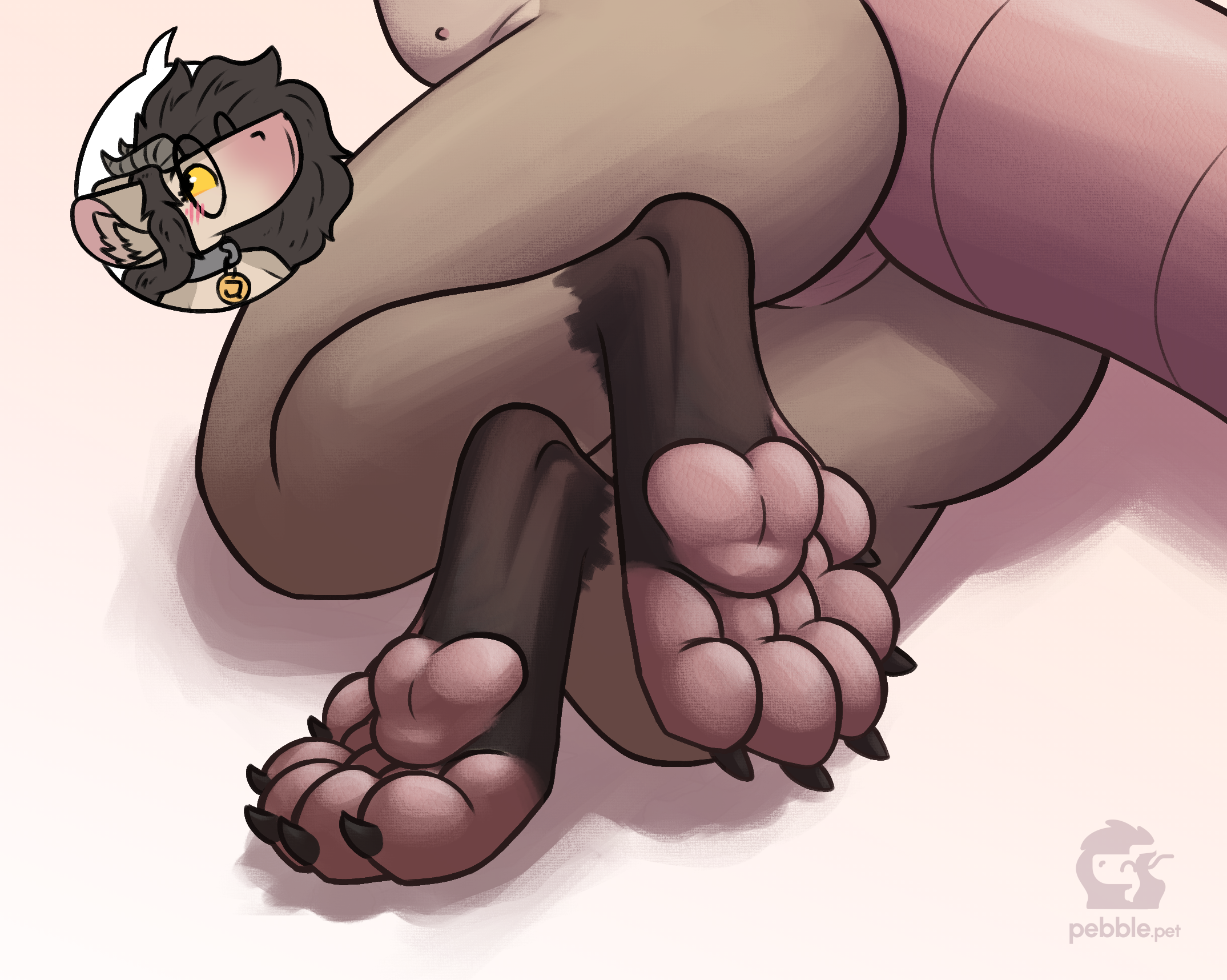
i thought i'd talk a little about the process of making the paw drawing from an artist's perspective, since it was a fun experiment in a lot of ways!
this post has a lot of images! please don't mind their layout, i don't wanna code a new image layout just for this one post >w>' you can click on them to expand them if you'd like
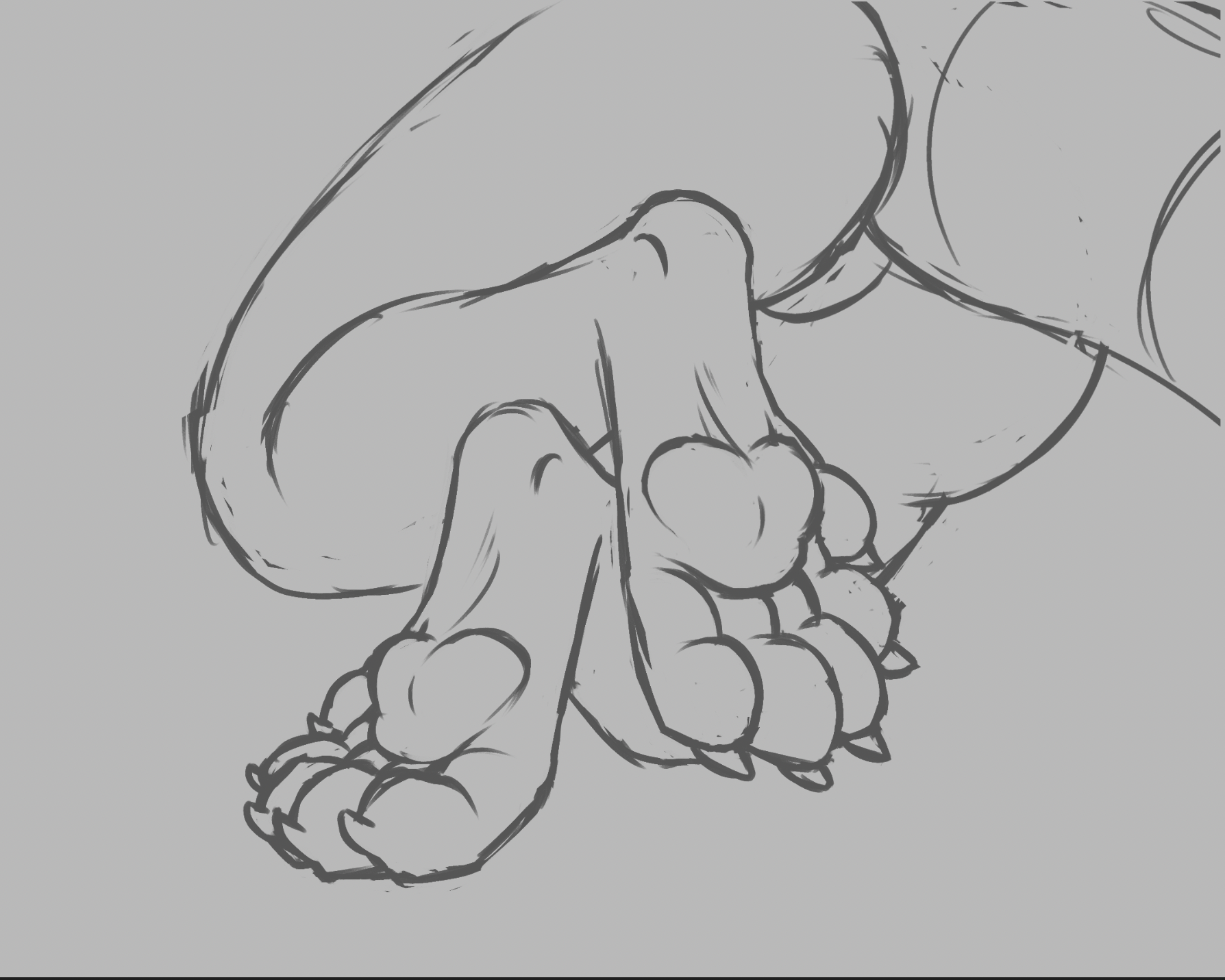
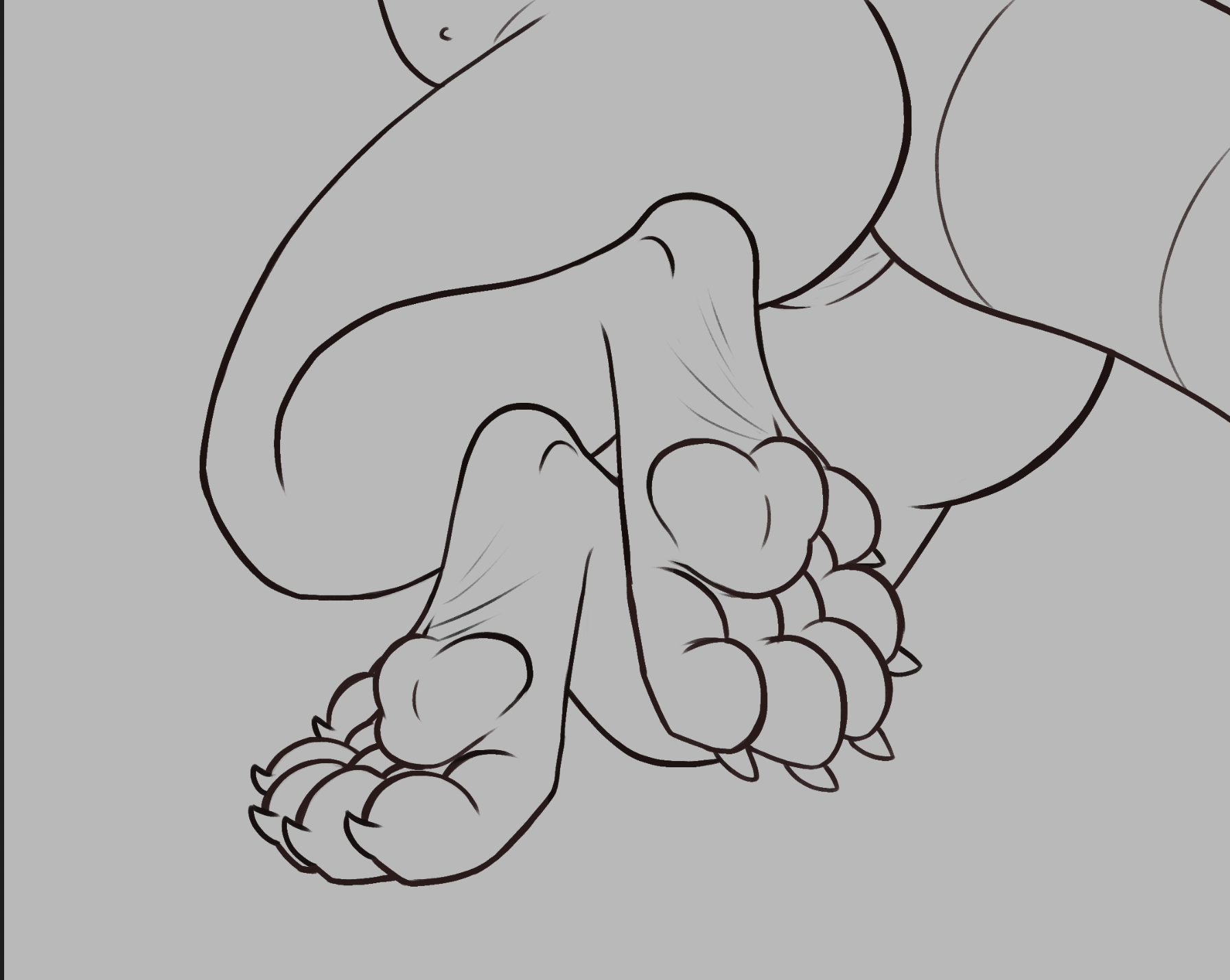
ok, so, the initial sketch had a lot of line thickness variance, but it was also too rough to try to clean up without spending a lot of time on it, so i did my best to try to preserve the variance while doing a line pass. i don't usually do this, so it was fun to try to figure out where the extra weight made sense vs where it was just a byproduct of struggling with the shape during the sketch phase - interestingly there was a lot of overlap! difficult shapes tend to be the ones that look good highlighted, turns out
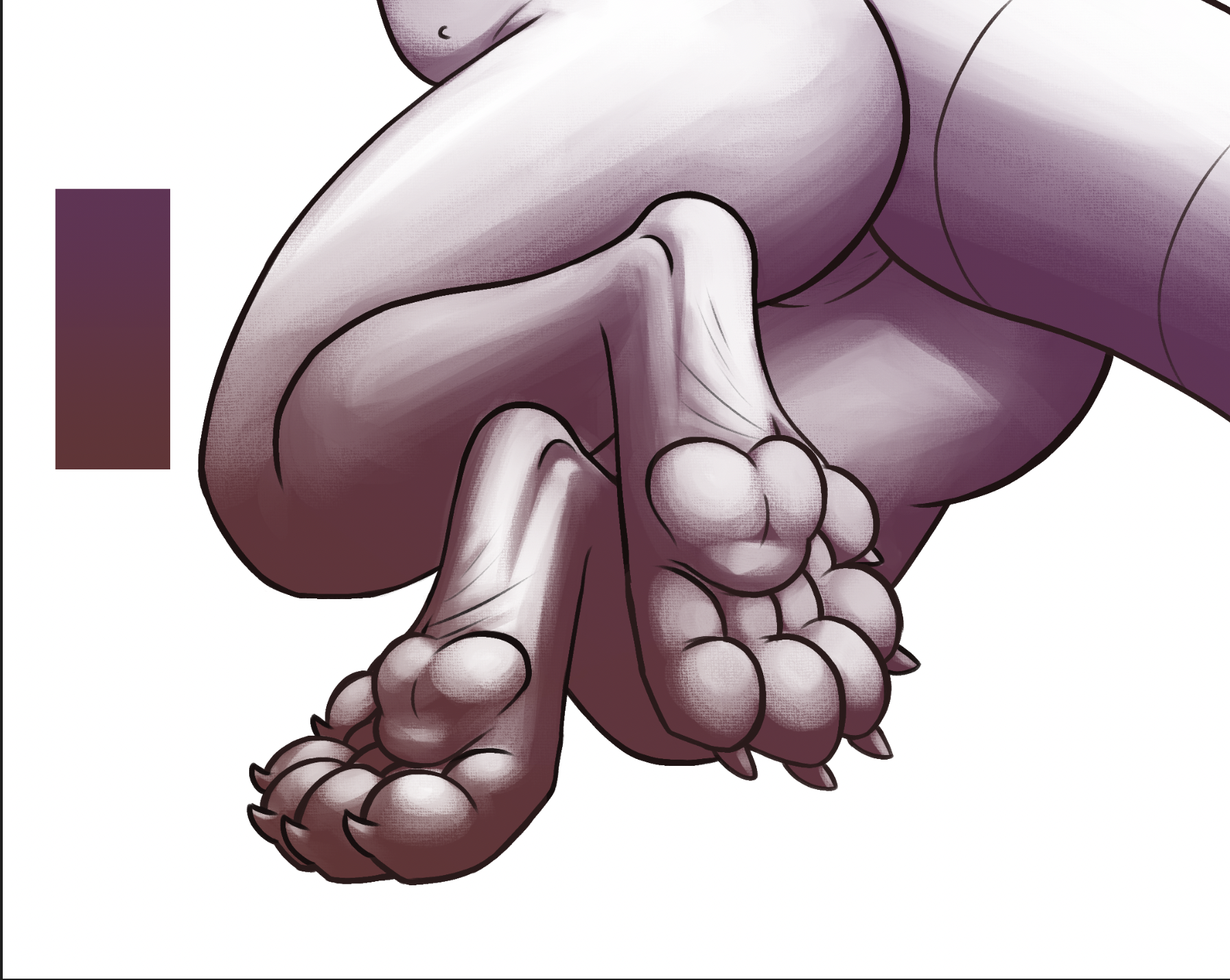
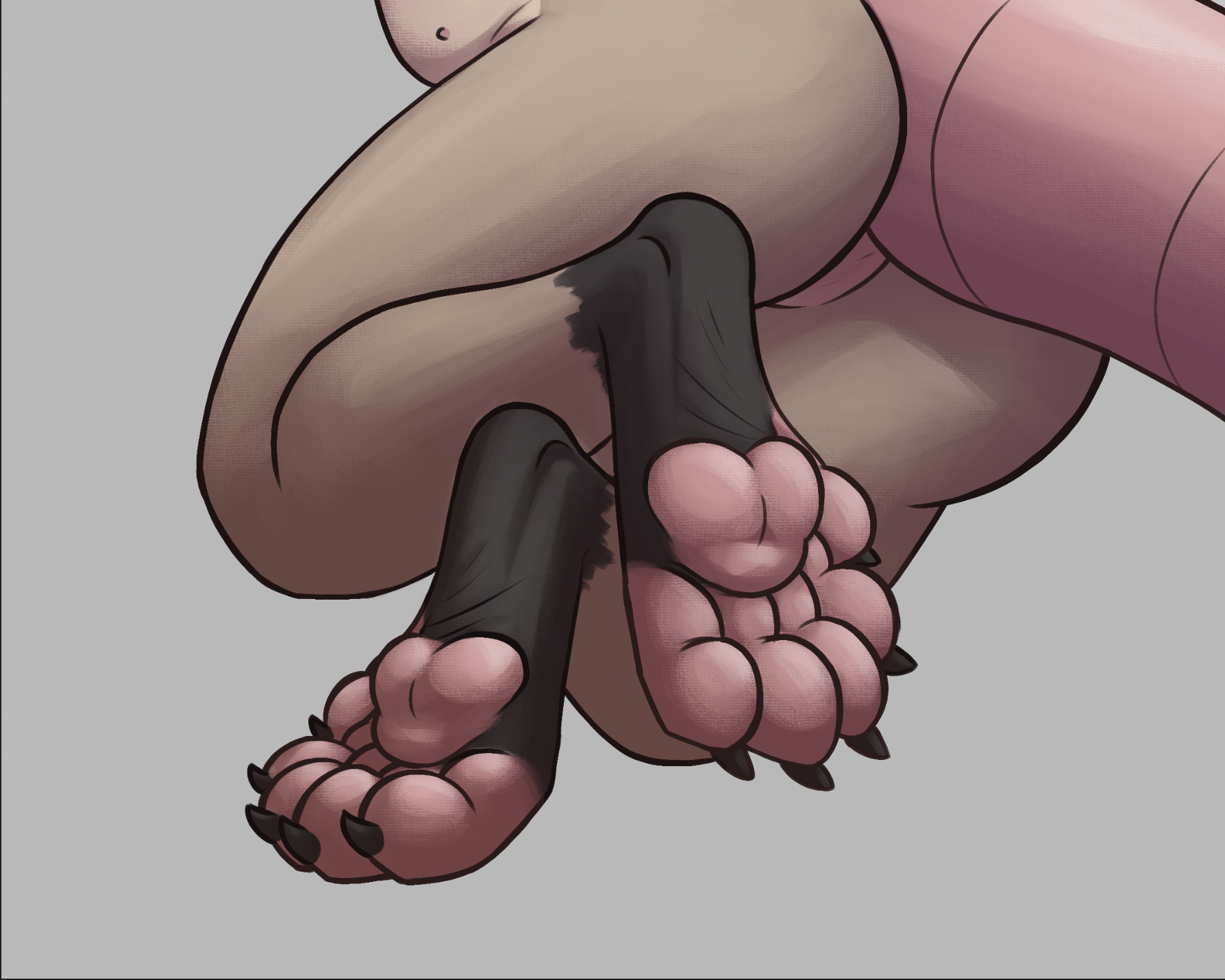
in terms of shading, i picked a more difficult light source position (above) than i usually do, i thought it'd be fun with the complex shapes to try to figure which parts the light would hit. i also put extra effort into using shading to highlight certain anatomy, specifically the "heels" here. in a lot of art i like i noticed that artists often use shading to highlight details that aren't lined or colored, so i wanted to practice doing that too! i think i'll be trying to do that more in the future. sometimes i like to compare the process of soft shading to like, carving out a statue, and on the pic below you can kinda see what i mean! in essence the process is very similar (erasing out pieces to make shapes come to life). i also put a slight gradient over the shading layer, i figured it'd add a nice touch.
even with all the shading i wanted to make the focus of the drawing pop out more, so i decided to add little shiny highlights that point towards the light source. despite being a really small detail i feel like it adds a lot. cue the meme that's like "horny vs not horny" and the only difference is a few shinies dfgjh
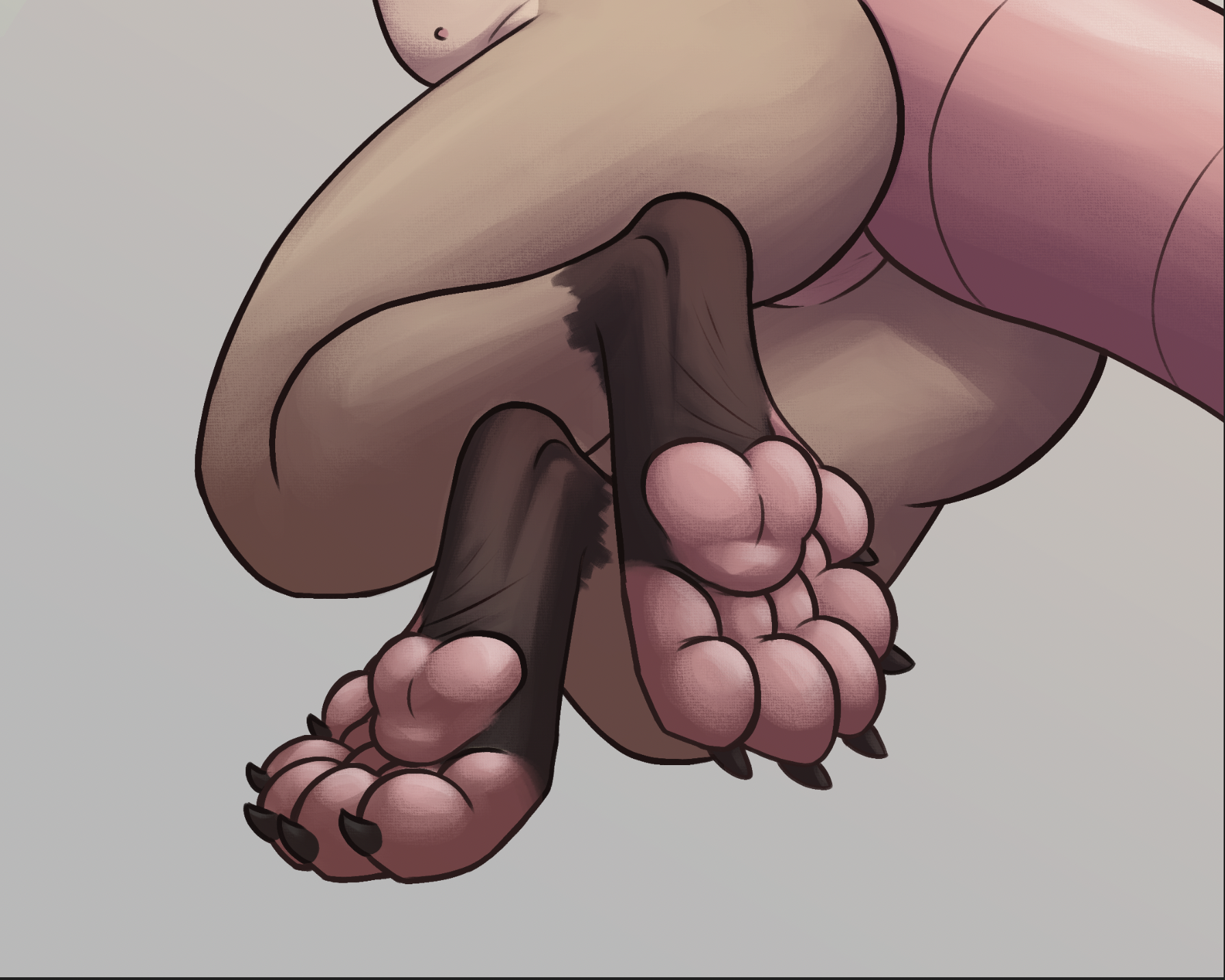
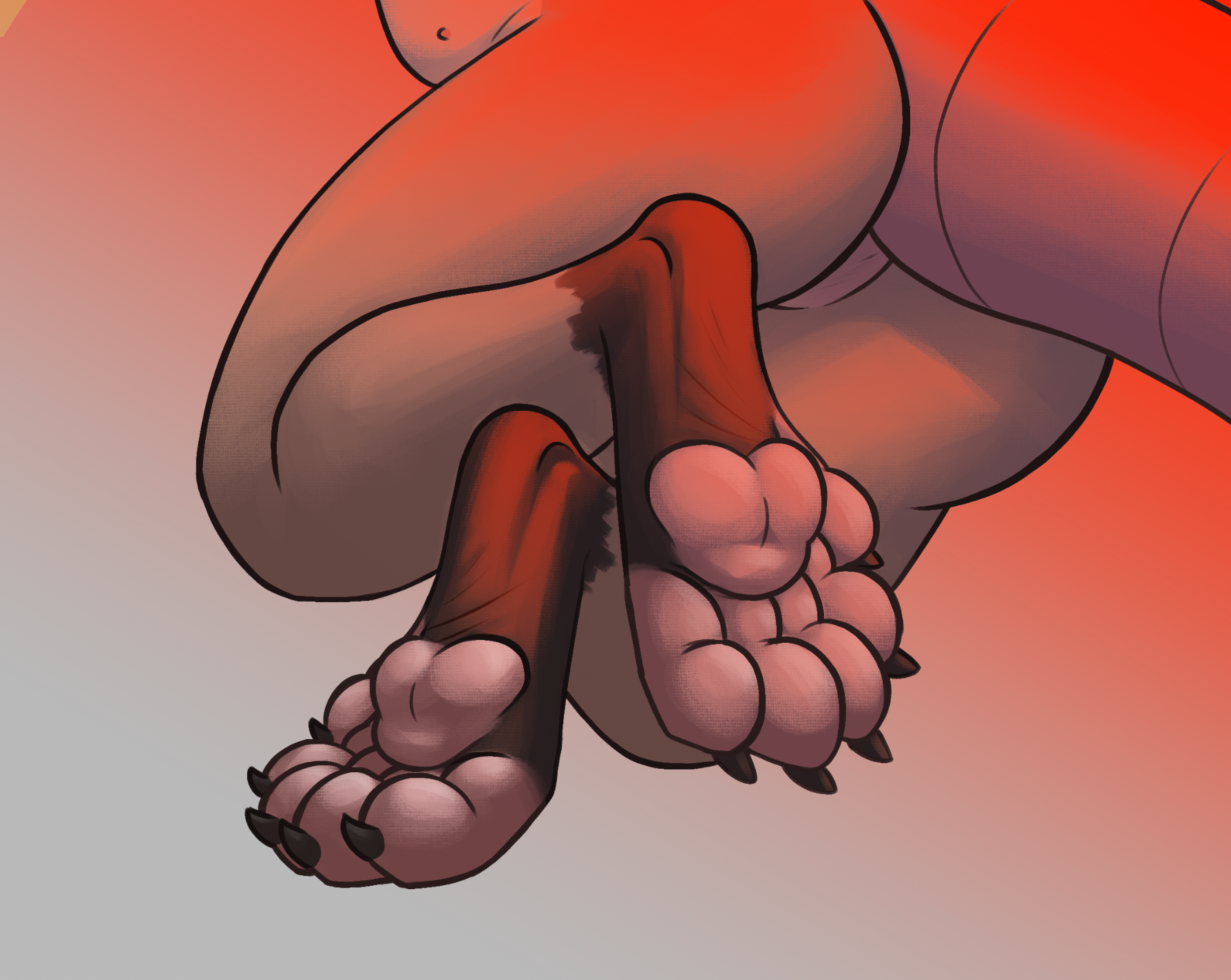
then to add a little warmth i added an orange gradient over top, erased out the spots where light doesn't hit, and set the blending mode to color dodge. it's like barely noticeable, but i feel like shifting the color temperature of the light with this looks neat!
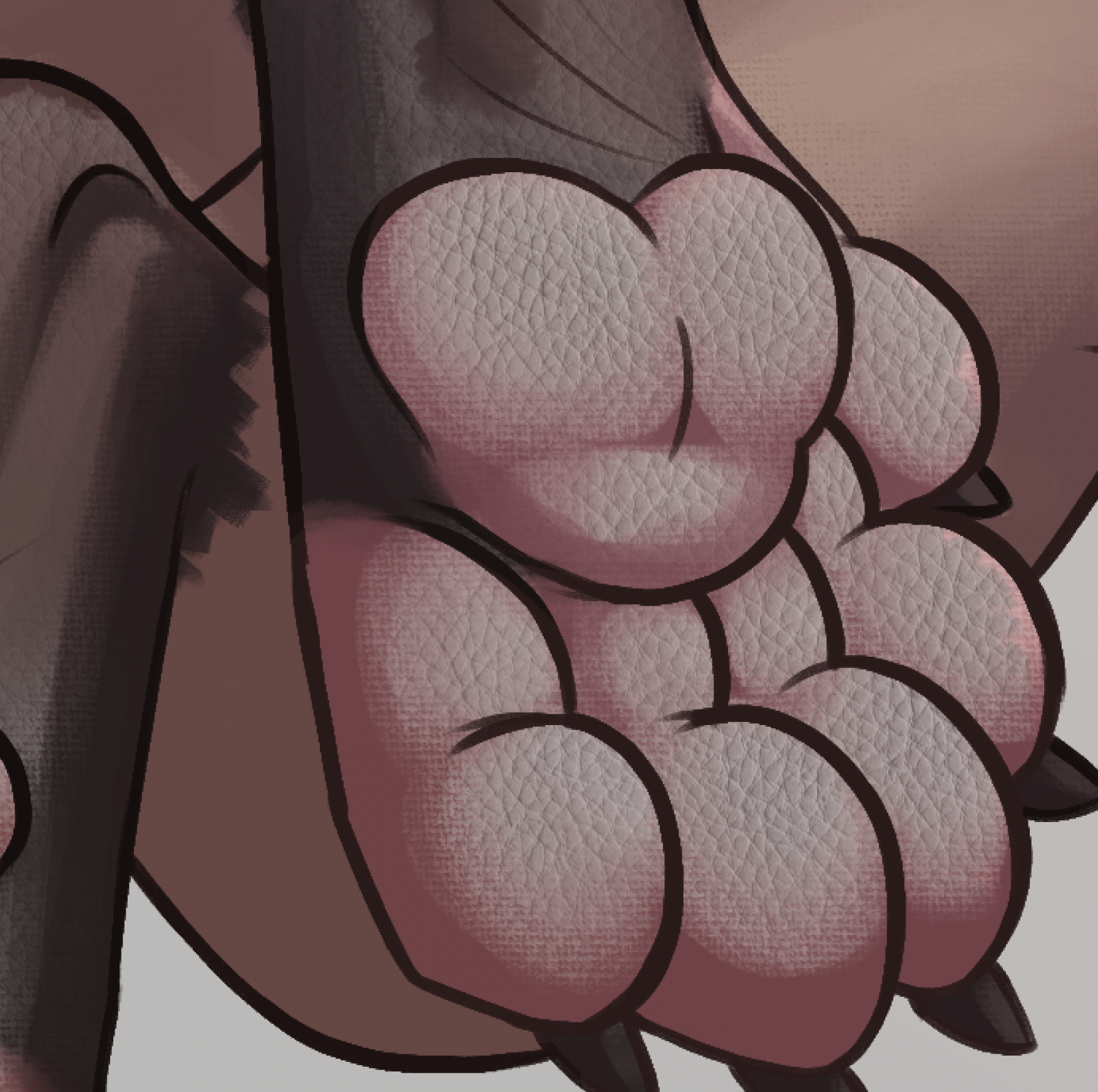
and lastly i added a leather texture overlay, just as a small touch, it's something i noticed other artists using to make their art pop out more so i decided i'd give it a try too
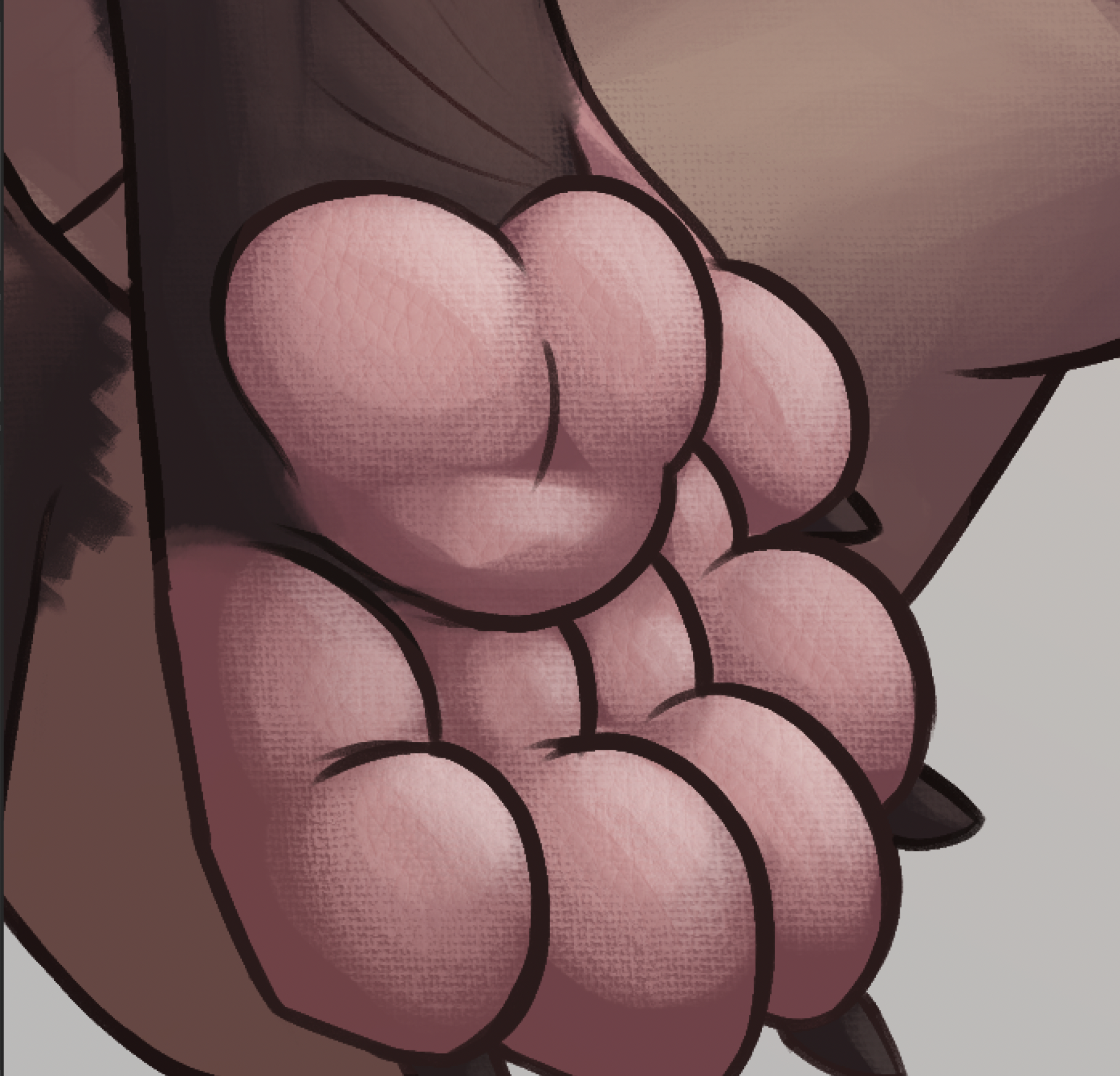
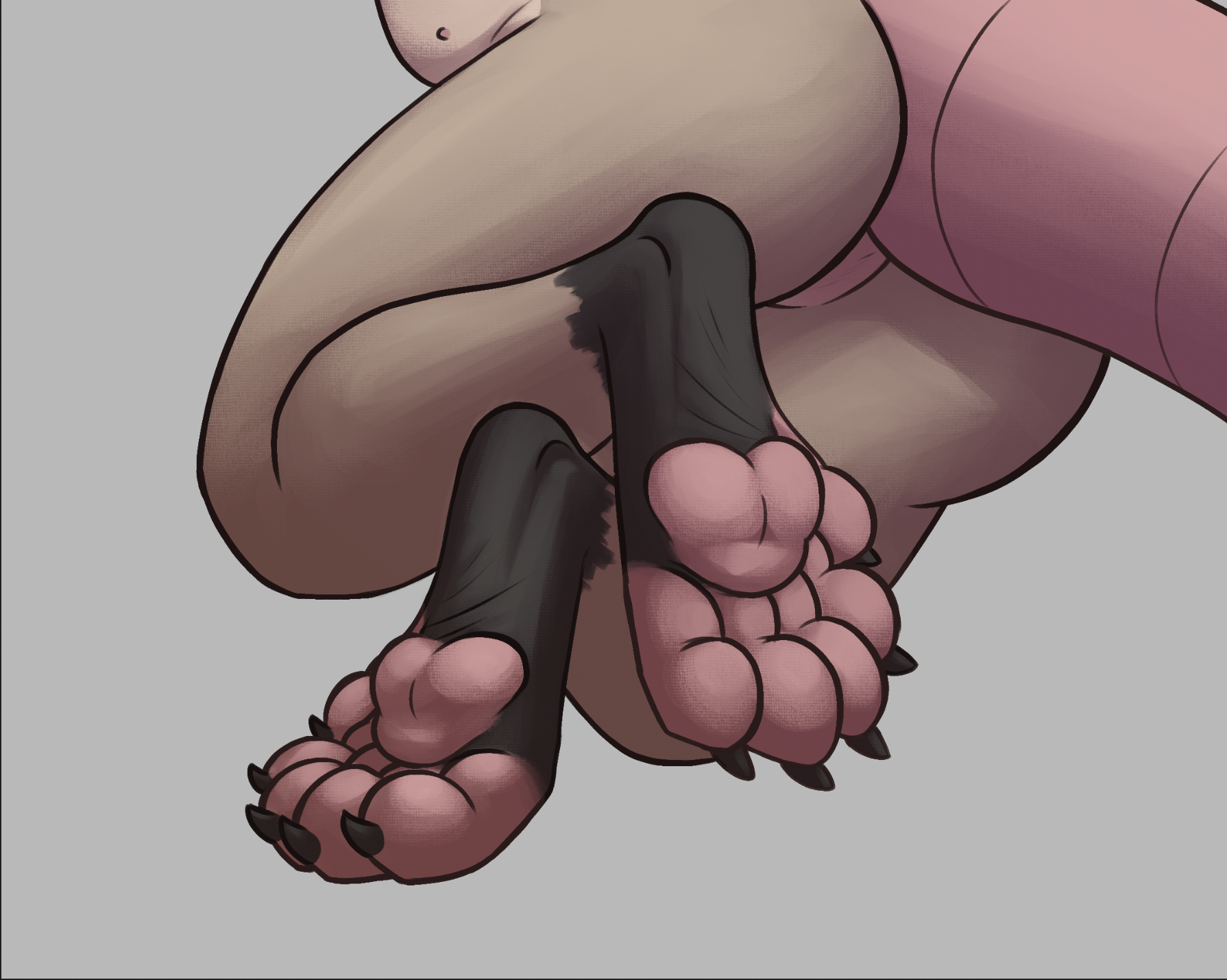
you may notice that the work in progress pics have like, wrinkles above the paw pads - i removed those as a last minute change because they didn't make much sense with the anatomy being digitigrade otherwise. ok that's all! thanks for reading
comments
press "sign-in" to add your name - no login needed!